Start here
Start here
Installing a skill from this library
What a Claude skill actually is, the two ways to install one, where the files land, and how to tell whether it loaded.

Installation instructions and working notes from our own machines — connecting design software to Claude, installing skills, and the small things that stop any of it working. Every config on these pages is one we run, with personal paths generalised.
8 guides
What a Claude skill actually is, the two ways to install one, where the files land, and how to tell whether it loaded.
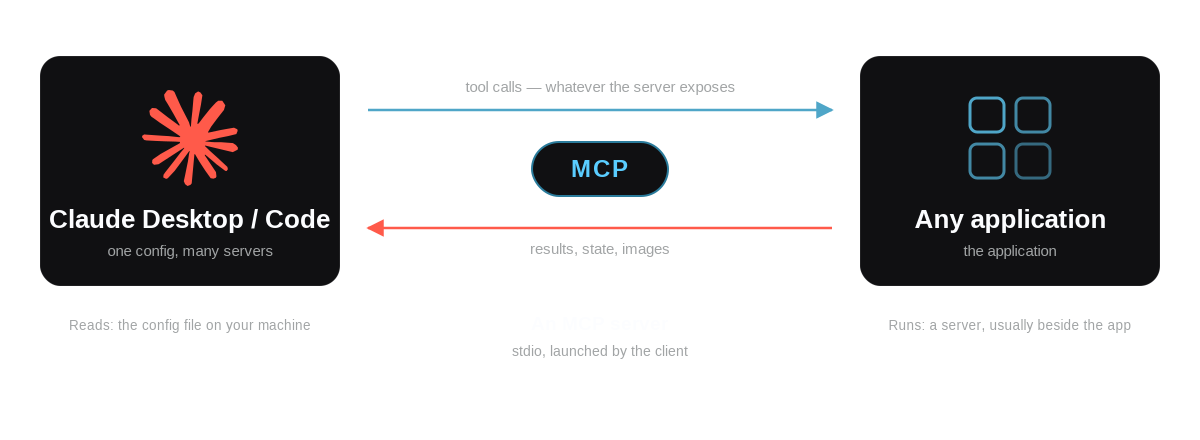
The Model Context Protocol in plain terms, the two places Claude reads server config from, and the JSON shape every setup guide assumes you already know.
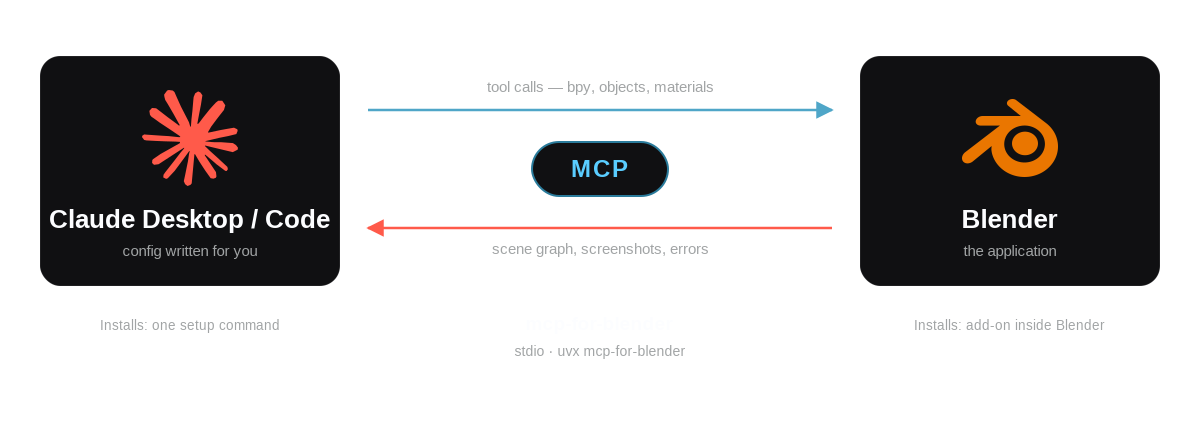
The most mature of the community integrations, recently renamed from blender-mcp to mcp-for-blender. One command sets up the client config and the add-on together — and there is a safe mode worth knowing about.
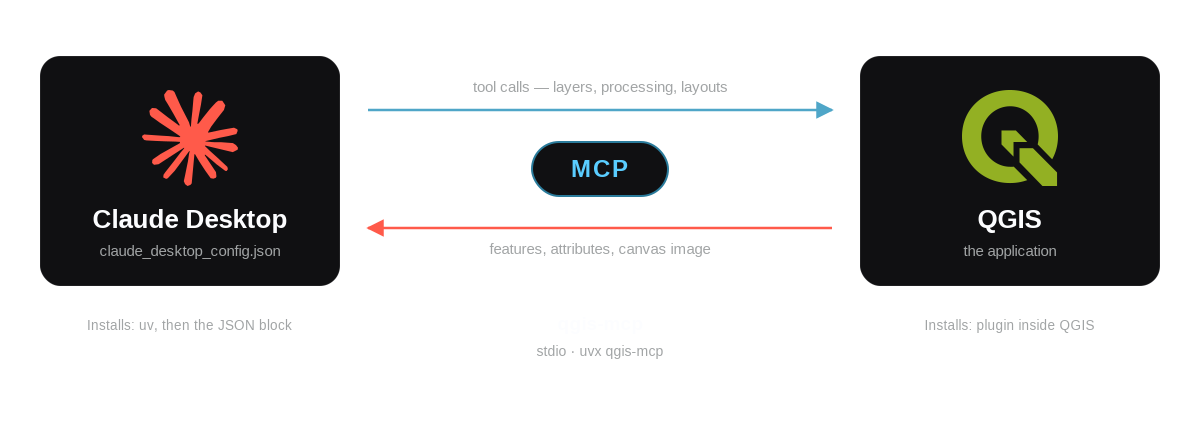
A working QGIS MCP setup using uvx, with the exact config we run, what Claude can then do to a project, and why you should keep a checkpoint before you let it.
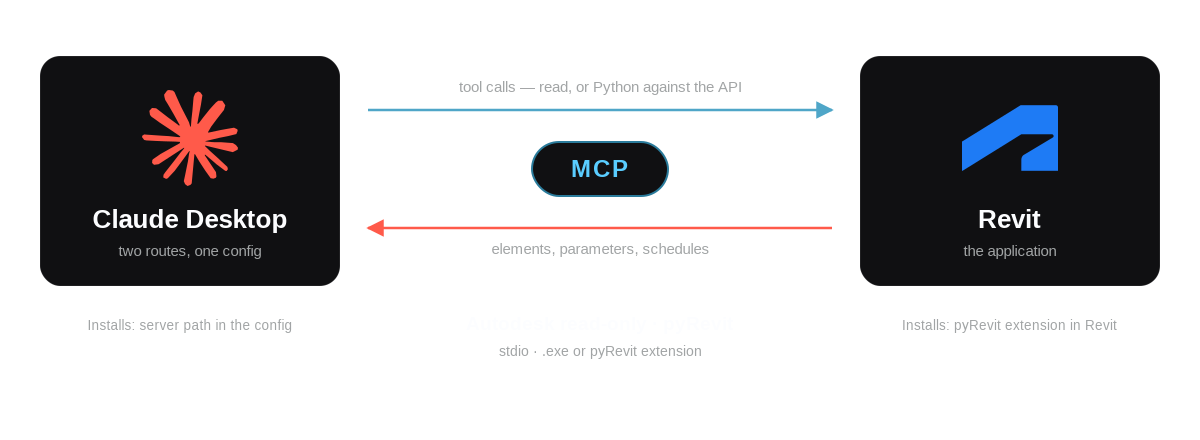
Two routes into Revit — Autodesk's own read-only server, and a pyRevit extension that runs Python against the Revit API. The second needs a config change nobody tells you about, and it can delete things.
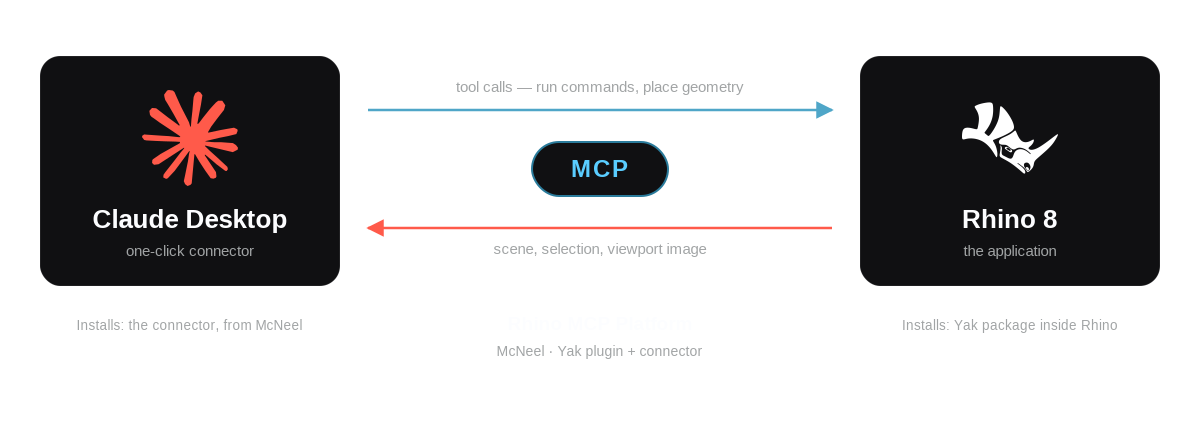
McNeel's own Rhino MCP Platform — a Yak plugin plus a one-click Claude Desktop connector. The only setup here with a first-party vendor behind it, and the easiest to install.
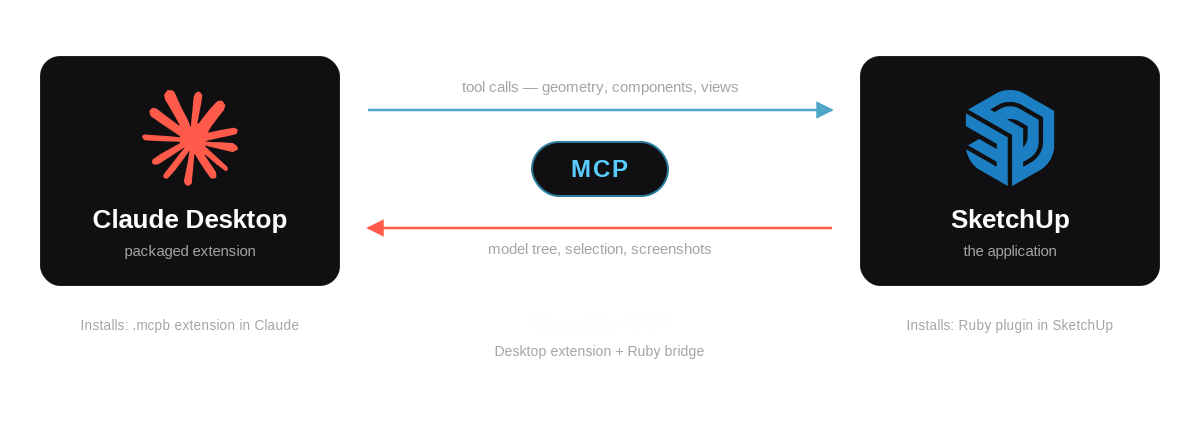
A one-click Claude Desktop extension plus a Ruby bridge inside SketchUp. Genuinely well documented and actively developed — and young enough that you should read the maturity note before you install it.
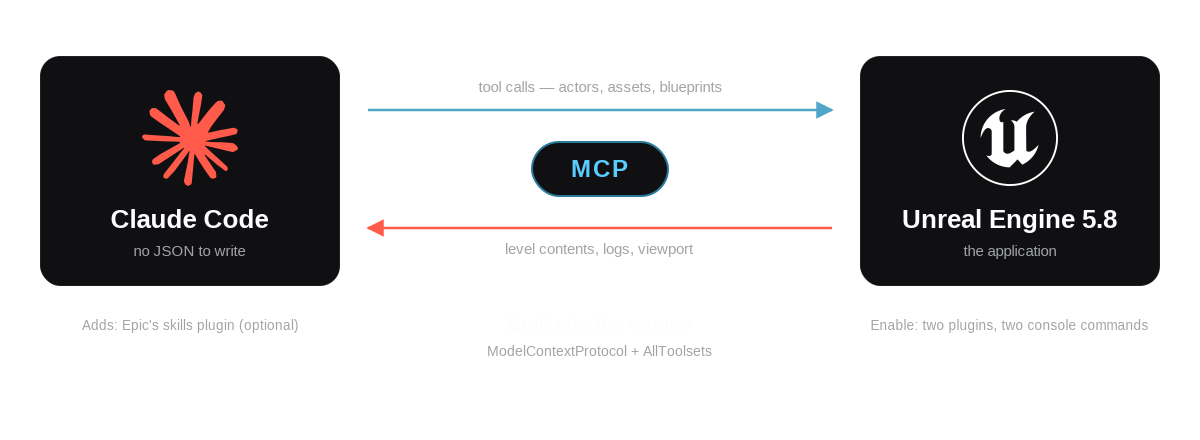
Unreal 5.8 ships its own MCP server — two plugins, two console commands, no JSON to write. Plus Epic's companion skills plugin for Claude Code, and the one setting that stops the server exposing any tools at all.
We write these when the setup costs us a day. Tell us which one cost you one and it goes on the list.